STS2 God Mod
God Mod is a utility and cheat-style mod for Slay the Spire 2 designed for testing, sandbox play, build experiments, and faster run setup. It gives players and mod authors direct tools for changing game state and skipping repetitive preparation.
Current version: 1.7.6
Author: Jason Song
Type: sandbox tool / testing tool / cheat-style mod
Gameplay impact: yes. Use it when you intentionally want direct control over game state.
Highlights in v1.7.6
- Cards can now stack multiple enchantments on the same card.
- Enchantment management now uses a two-column layout: pending enchantments on the left, applied enchantments on the right, with right-side items selectable for removal instead of requiring a full clear.
- The Ancient refresh entry now has a clearer icon and is easier to spot in the UI.
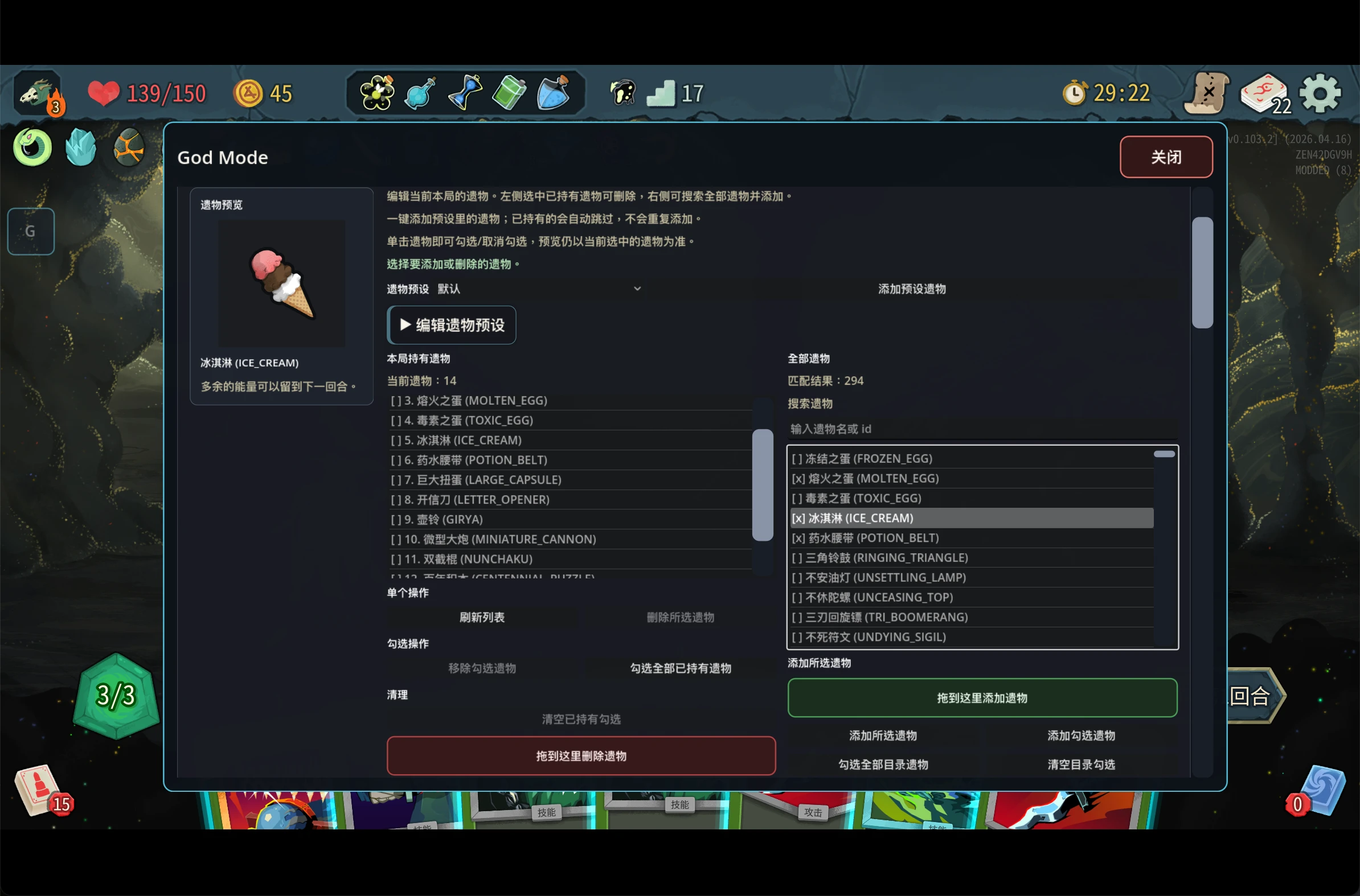
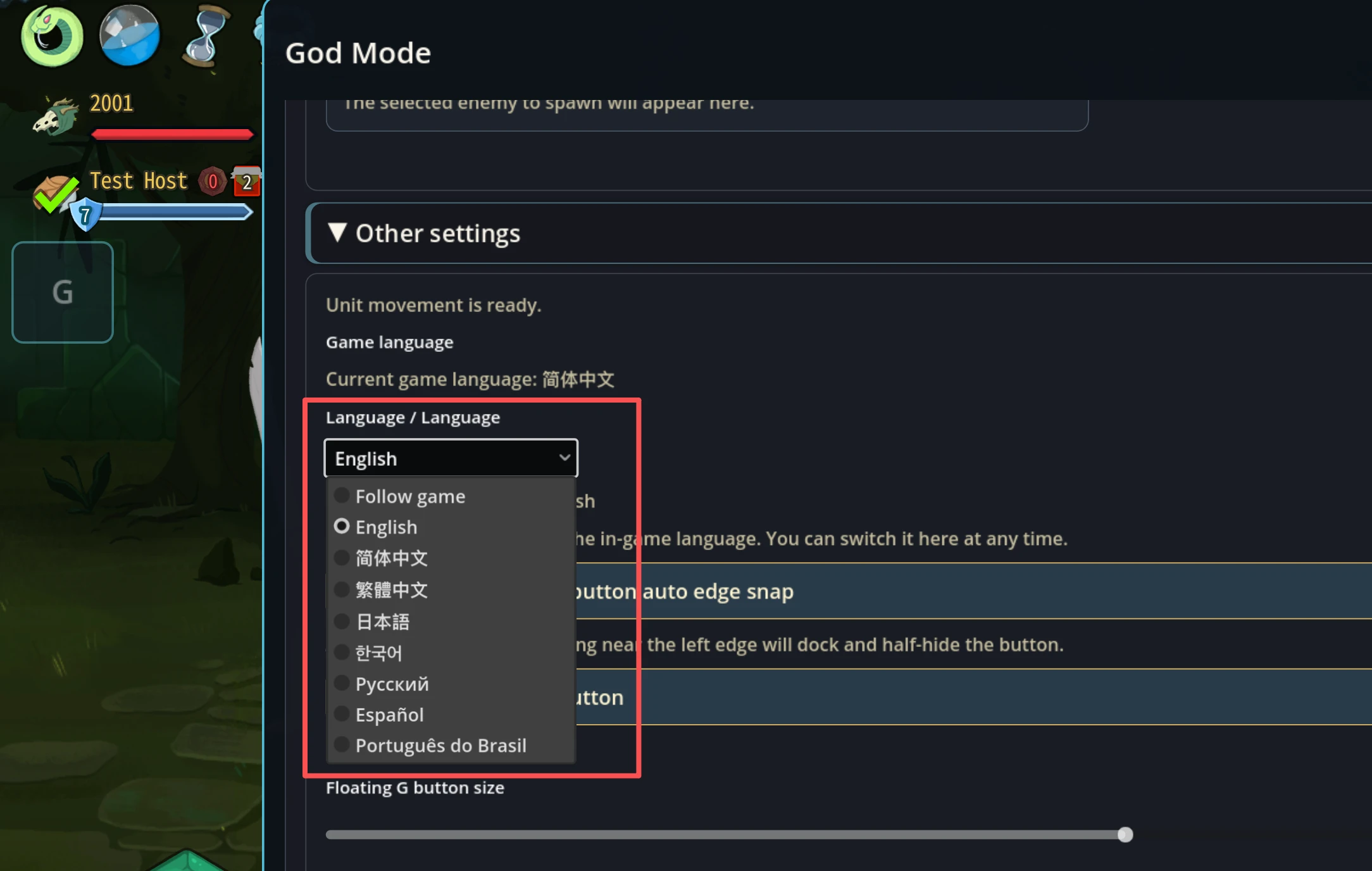
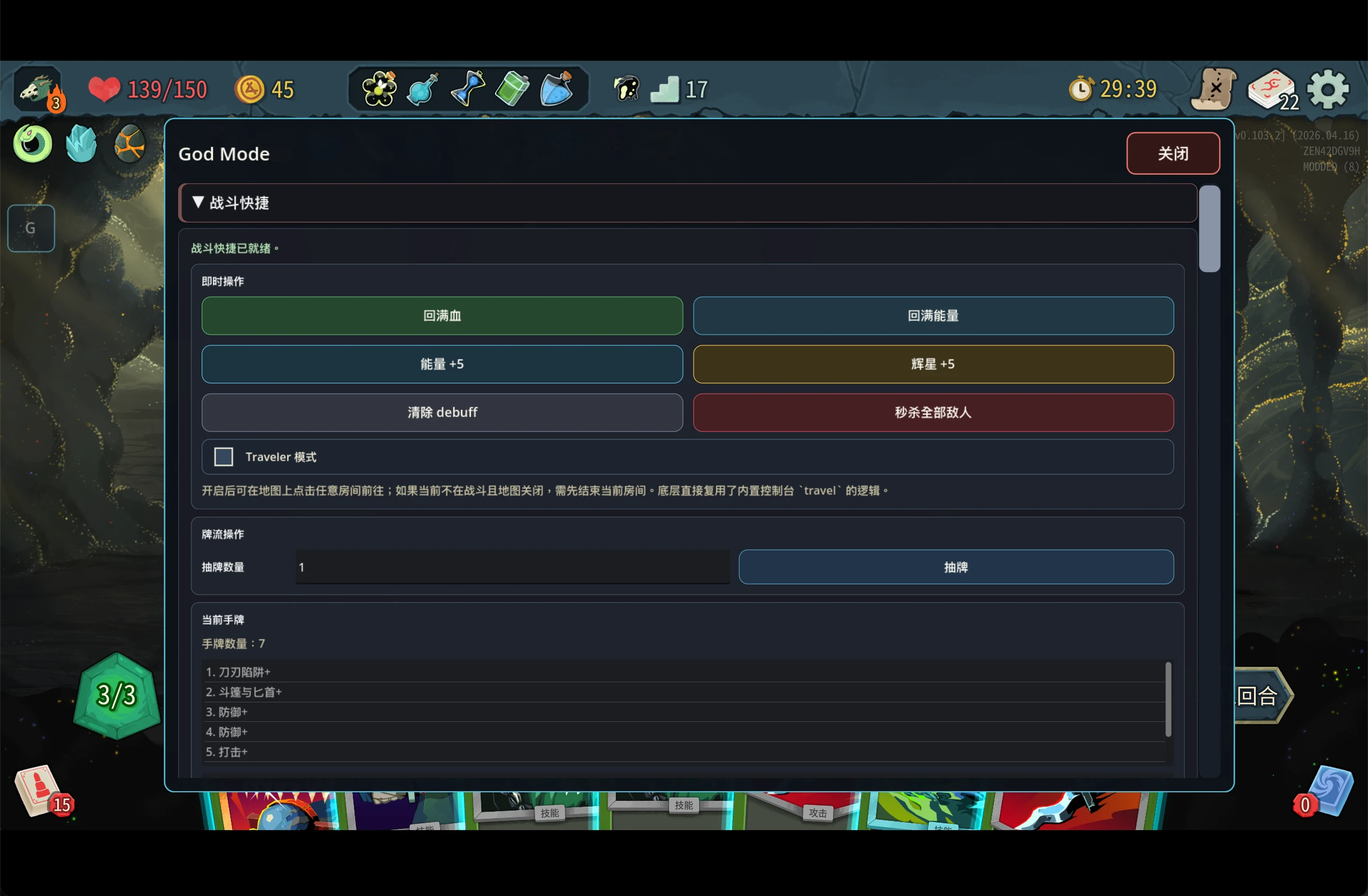
Screenshots
Who It Is For
- Players who want to test card, relic, potion, or status combinations quickly.
- Mod authors who need to validate mechanics repeatedly.
- Players who want to skip setup and jump into a specific experiment.
- Developers debugging events, combat, map behavior, or multiplayer sync.
Core Features
- Edit gold, HP, max HP, energy, and potion slots.
- Add or remove relics, including quick relic bundles.
- Add, remove, duplicate, transform, upgrade, downgrade, enchant, keyword-edit, and stat-edit cards.
- Add extra on-play card effects such as damage, block, draw, energy, stars, discard, debuffs, Strength, and Dexterity.
- Save and apply custom deck presets.
- Use built-in infinite deck presets by character.
- Add, fill, or clear potions.
- Apply or remove statuses in combat.
- Use combat shortcuts like full heal, full energy, clear debuffs, kill all enemies, and draw/discard control.
- Spawn enemies during combat.
- Jump directly into events during a run.
- Enable campfire tweaks such as double smith and one extra card removal per campfire.
- Open the panel from the floating
Gbutton or the hold-Ghotkey.
Tool Areas
| Area | What it does |
|---|---|
| Resources | Edit gold, HP, energy, potion slots, and similar run state |
| Relics | Add, remove, and apply quick relic bundles |
| Cards | Add, duplicate, transform, upgrade, downgrade, enchant, and edit cards |
| Deck Presets | Save and reapply custom deck setups |
| Potions | Add, fill, or clear potions |
| Combat | Edit statuses, heal, refill energy, clear debuffs, kill enemies, and control draw/discard |
| Events | Jump into specific events during a run |
| Campfire | Speed up testing with double smith and extra removal helpers |
Opening the Panel
- Click the floating
Gbutton. - Or hold the
Ghotkey.
Installation
- Download the release package.
- Extract the archive.
- Place the mod files into the Slay the Spire 2 mod folder:
- Windows:
mods/ - macOS:
SlayTheSpire2.app/Contents/MacOS/mods/
- Windows:
- Launch the game and enable the mod if needed.
Video Demo
Slay the Spire 2 God Mod Console
Compatibility
God Mod directly modifies core game state. Other mods that change gameplay, UI, debug systems, or multiplayer behavior may conflict with it.
Singleplayer testing and sandbox use are the recommended use cases. If you use it in multiplayer, only enable it in test sessions where all players agree. When reporting desyncs, disconnects, or inconsistent behavior, include the game version, God Mod version, mixed-install status, host/client details, and reproduction steps.
Roadmap
Future updates will continue to focus on faster testing, smoother sandbox workflows, and better compatibility, including translation quality maintenance, clearer in-panel guidance, more reliable multiplayer test behavior, and easier preset and build reproduction.
Links
- Quark download: pan.quark.cn/s/2c8c2850621d
- Nexus Mods: Slay the Spire 2 Mod #304
- Video demo: Bilibili BV1fJXLBuERb
Usage Note
This mod is intended for testing and sandbox workflows. It is not a good measure of normal progression balance.